YouTube subtitles and captions: why are they important for your videos?
Let’s be honest really. You’ve spent hours filming, hours editing, picked the perfect thumbnail. You hit publish and you’ve completely missed one little thing that could actually double your reach. That thing is YouTube subtitles and captions. They may seem like the most boring little lines of text at the bottom of your video but they do a hell of a lot behind the scenes.
In this post we look at what they are, why they’re important and how you can add them without going mad.
What are YouTube subtitles and captions?
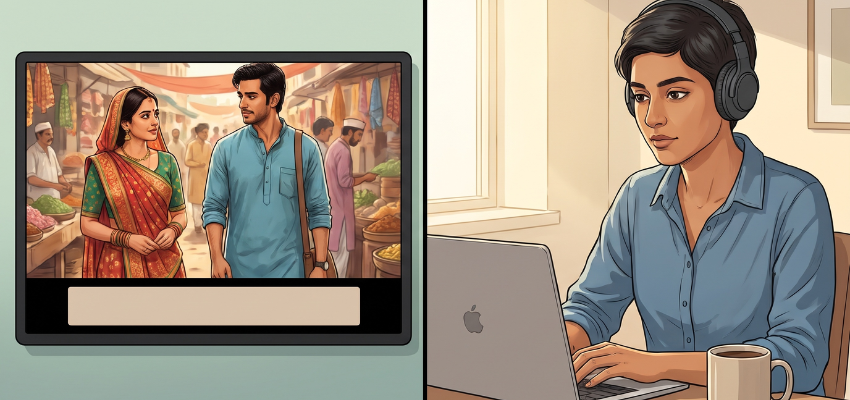
(Source – OpenAI)
People tend to use these two terms as though they’re interchangeable. They’re very similar, just not quite the same.
Subtitles are the words that are shown on screen (usually in another language). Think of a Korean drama with English text at the bottom.
Closed captions show the spoken words as well as other sounds such as “[door slams]” or “[upbeat music]”. They’re called “closed” because the viewer can turn them on and off.
So subtitles are for people who don’t understand the language. Captions are for people who can’t hear the audio. Both are useful and YouTube allows you to add either one.
👉Click here to see how Boss Wallah works with brands and what we can build for you
Why YouTube Subtitles and Captions Are Important
Here’s the good bit. Adding text to your videos isn’t just a nice thing to do. It actually makes a difference.
1. They Make Your Videos Easier for Everyone
Video accessibility is about ensuring that your content is accessible to everyone, in particular people who are deaf or hard of hearing. There are millions of people in the world who have some degree of hearing loss. If your videos have no text at all then you’re effectively excluding them.
2. Many People Watch Without Sound
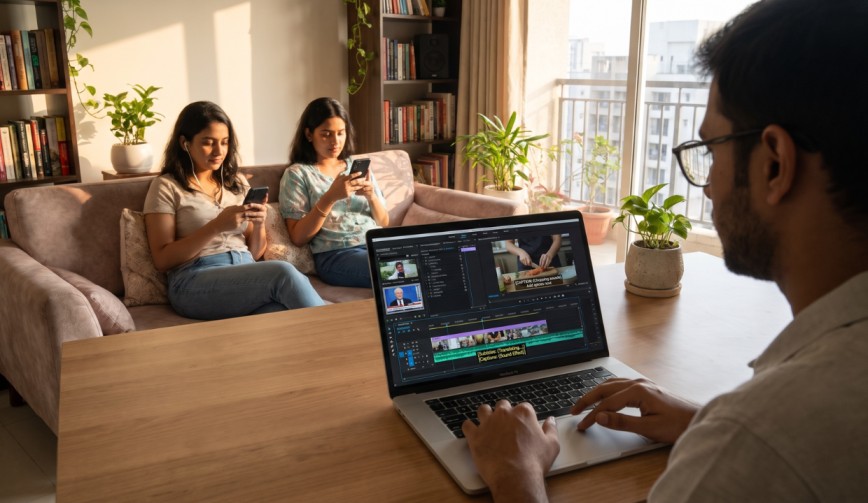
Think about how you use your phone. You’re on a bus, in a waiting room, in bed with your partner asleep. Sound isn’t always an option. A lot of people will have their phone on mute and if there’s no text then they’ll just scroll away quicker than you can say “subscribe”.
3. They Help You Rank Better
YouTube SEO is just a fancy way of saying “helping YouTube to understand and recommend your video”. YouTube can’t watch your video like a human can. It reads text. If you add accurate captions you’re giving it a full written version of what you say and that helps it to match your video to the right searches.
4. They Can Increase Watch Time
Watch time is the total amount of time that people spend watching your videos. YouTube loves this. If the viewing experience is easy to follow, people will naturally spend more time watching. Clear captions are also very helpful for people who have a hard time with fast speakers, strong accents or people talking over a noisy background.
5. They Boost Audience Engagement
Audience engagement is all about likes, comments, shares and dwell time. The more people understand each and every line of the video the more likely they are to comment and engage in the chat. You won’t get anyone to comment on a video they don’t understand.
6. They Help You Reach a Global Audience
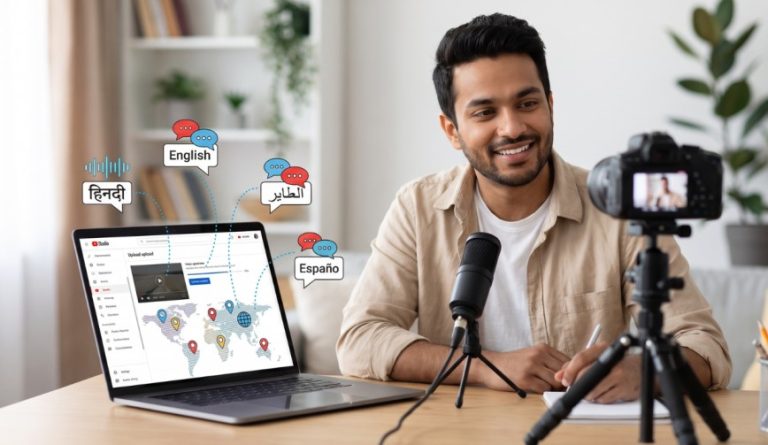
Adding multilingual subtitles means someone in Brazil, Germany or Japan can watch your video in their own language. You don’t have to go to the other side of the world to get international fans. A few extra lines of text can achieve that for you.
Read More | Will a YouTube Copyright Claim Affect Your Channel’s Monetization?
Types of Captions on YouTube
YouTube gives you a few options for adding text to your videos.
Auto-generated captions: These are generated by YouTube’s speech-to-text feature. They’re quick and free but aren’t perfect at all. They’ll occasionally get words wrong and the results can be rather funny. One creator mentioned “baking bread” and the captionscame out as “breaking bread” which was pretty cute, just not particularly useful.
Manual captions: These are typed by you or someone you’ve hired. They take longer, but they’re a lot more accurate.
Uploaded caption files: An SRT file is just a plain text file containing your text and the precise timing for when each line of text should appear. You can create one using free tools and then upload it to YouTube in a matter of moments.
How to Add Captions to Your YouTube Videos
You don’t need to be a tech wizard. Here’s the basic route.
Open YouTube Studio and click Subtitles in the left-hand menu.
Choose the video you want to work on.
Click ‘Add language’ and select your language.
Select Add under Subtitles.
Choose to upload a file, type it in manually or edit the auto-generated version.
Review it all, then hit Publish.
If you go with the auto option, you must always read through the text. It takes a couple of minutes and will save you from a number of awkward mistakes.
Tips for Better Captions
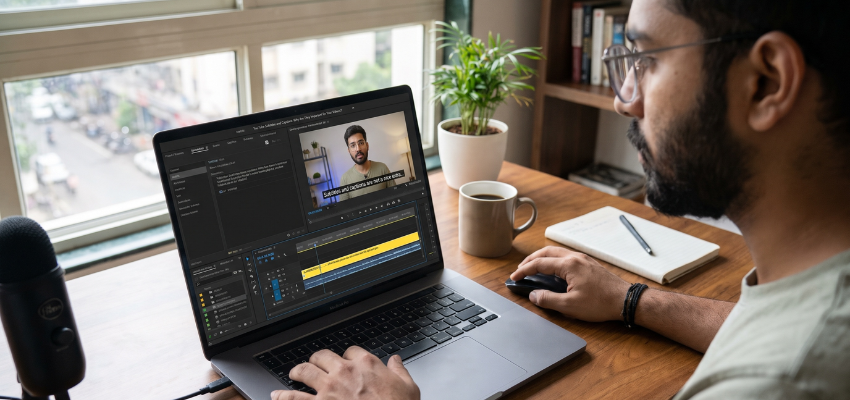
(Source – OpenAI)
A few little habits can go a long way to making your text look a lot cleaner.
Keep each line short, ideally under two lines on screen.
Fix the spelling and punctuation so it reads properly.
Add sound cues for key sounds such as laughter or music.
Match the timing so the words appear as they are spoken.
Use the transcript (the full written version of your video) to check for errors. It’s also a great basis for a blog post later on.
A Quick Word on Costs
Good news, adding text to YouTube is free. If you want perfect results and you’ve got no time then you can obviously go down the route of employing a captioning service, but a lot of creators get away with the built-in tools and a bit of editing.
Read More | Micro Influencer Rates in India: How Much Should You Pay?
Need Videos, Creators, or Regional Content for Your Brand?
Boss Wallah helps brands plan and execute video content at scale, without managing multiple vendors.
We work with companies to:
- Shoot large volumes of short-form videos using real creators and studio setups, suitable for social media, websites, campaigns, and launches
- Adapt the same videos for different languages, regions, and platforms, so one shoot works across India and global markets
- Launch products or campaigns through dozens or hundreds of creators, all managed, tracked, and reported in one system
- Support brands with ongoing content, launches, regional expansion, and performance-focused campaigns
Whether you need videos for a new launch, content for multiple markets, creator-led visibility, or a steady content pipeline, Boss Wallah acts as a single partner handling production, creators, and execution end-to-end.
👉Click here to see how Boss Wallah works with brands and what we can build for you
Final Thoughts
YouTube subtitles and captions are one of the easiest things you can do to upgrade your channel. They allow more people to enjoy your content, they help with your search rankings and they keep people watching for longer. All of that for just a few extra minutes of work.
So the next time you’re uploading a video, don’t skip that step. Your future viewers (and possibly your muted phone fans on the morning train) will thank you.
Frequently Asked Questions
1. Are subtitles and captions one and the same?
Not at all. Subtitles are the spoken words (often in a translated language). Captions are the spoken words plus any sound effects (e.g. music, laughter).
2. Does YouTube auto-add captions?
Yes, YouTube can auto-generate captions for a lot of videos. They’re not always accurate though, so you do need to go in and correct them prior to using them.
3. Do captions actually help with YouTube SEO?
They can. Captions give YouTube a text version of your video which helps it to understand what your video is about and therefore show it to the right audience.
4. Can I add subtitles in more than one language?
Yes. In YouTube Studio, you can add as many languages as you like. This is a great way to reach viewers in other countries.
5. Is it expensive to add captions to my videos?
No. YouTube’s tools are free. You only pay if you choose a professional service for extra accuracy or fast delivery.