One Post, Two Audiences: How to Make Instagram Collab Posts Work for Your Brand
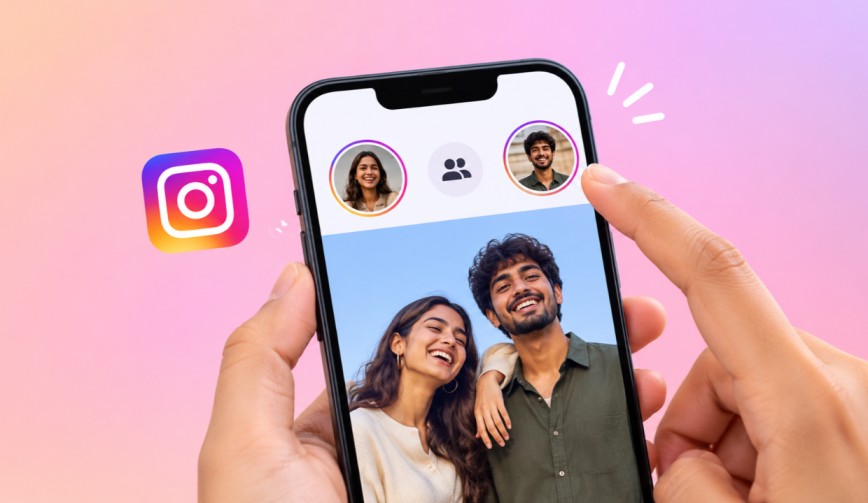
Posting once and getting seen by two sets of followers is a deal. Instagram Collab Posts allow two accounts to share a single post so both of their followers see it on their own profiles. If you’ve ever wanted to be in two places at once, that’s pretty much as close as you’re going to get without a time machine.
Let’s look at how it works and how to get the most from it.
What Are Instagram Collab Posts?

(Source – OpenAI)
A collab post is one post (photo, carousel or Reel) that appears on two accounts at the same time. One account creates it and invites the other as a collaborator. Once the invite is accepted, both usernames appear at the top of the post. The likes, comments and views are all in one place.
This is different from just tagging someone. A tag will simply put their name on your post, and the post will still only appear on your profile. With the Instagram Collab feature, the post appears on both grids and in both sets of followers’ feeds.
👉Click here to see how Boss Wallah works with brands and what we can build for you
Why Collab Posts Are Worth Your Time
Here is why brands like them:
- Bigger reach: Your post will be seen by your partner’s followers as well, which means people who have never heard of you may see your content.
- Better engagement rate: That’s the percentage of people who like, comment or save a post out of those who saw it. Shared posts tend to have a higher engagement rate as two communities are now involved.
- Built-in social proof: This is the idea that people will trust something more if the people they follow already do. If a creator they like is associated with your brand, then you get a little bit of that trust.
- Less work: One post, two audiences. Your content calendar (your simple schedule of what you’re going to post and when) is a lot lighter.
Read More | Brand Collaboration Rates for Instagram, YouTube, and LinkedIn Compared.
How to Make Instagram Collab Posts Work for Your Brand
Knowing the button exists is one thing. Using it well is another. Here are the steps that actually matter.
1. Pick the Right Partner
A huge following is all well and good, but it’s not the point. You want to be working with someone whose followers would actually care about your product. A coffee brand partnering with a local bakery is perfectly sensible. The same coffee brand partnering with a tyre shop is going to confuse people.
Look at the comments as well. A real conversation is a far better indicator than a load of generic “nice pic” type comments.
2. Agree on the Plan Before You Post
Before anyone actually hits publish, have a quick chat through the basics:
- What the post is about.
- Who’s writing the caption.
- When it’s going live.
- Whether you’re both going to be replying to comments.
This saves a very awkward situation later on. It applies to any brand collab really, big or small.
If you’re working with a creator, put the key points in writing. This is particularly relevant in the case of a paid influencer partnership, where you need to be crystal clear on the payment, the deadlines and the rights to use the content.
3. Make Content That Fits Both Audiences
This is the core of the concept really. Your post has to make sense to your followers and your partner’s followers. Don’t go in with team-only jokes. Instead, go for something that both groups will enjoy, such as:
- A joint giveaway.
- A look behind the scenes at your project.
- A side-by-side product test.
User-generated content (i.e. the posts that customers or fans make rather than your brand) can also be a good fit here. If a happy customer is willing to do it, then absolutely invite them in as a collaborator and share their post with your followers.
4. Write a Caption That Does Some Work
Keep it short and sweet. Let people know who you are and why you’re together. Finish off with a clear call to action (i.e. “Save this for later” or “Tell us your favourite in the comments”).
No call to action and people will just smile, scroll and move on.
5. Send the Invite the Right Way
When you’re creating your post, follow these steps:
- Tap Tag People.
- Select Invite Collaborator.
- Search for their account.
- Send the invite.
The post only appears on their profile once they accept it, so do remember to remind them to check their notifications. There’s nothing quite so depressing as a brilliant post just sitting there waiting for someone who hasn’t opened Instagram since Tuesday.
Read More | Free Instagram Followers Through Collaboration Without Shoutouts or Giveaways.
Track What Is Working
Once the post is live, go to Instagram Insights (it’s Instagram’s free tool for seeing how your posts are performing). Look at:
- Reach: How many different people saw it.
- Saves: How many people saved the post.
- Shares: How many people shared it with others.
- New followers: How many people started following your account.
Shares and saves are more indicative of success than likes, as they show that people have found the post useful enough to save or share.
Over time, you’ll see which partners and post types are most effective at driving your brand awareness (i.e. how many people know your brand exists). Then you can do more of what works and less of the rest.
Common Mistakes to Avoid

(Source – OpenAI)
Here are a few mistakes worth watching out for:
- Choosing partners purely on follower count: Fit is far more important than size.
- Posting with no plan at all: The confusion between the partners is very obvious in the final post.
- Forgetting to reply to comments: Two audiences mean more comments. You have to keep up with them.
- Overdoing it with collabs: If every single post is a collab, it starts to feel like you’ve got nothing of your own to say. Mix it up.
Need Videos, Creators, or Regional Content for Your Brand?
Boss Wallah helps brands plan and execute video content at scale, without managing multiple vendors.
We work with companies to:
- Shoot large volumes of short-form videos using real creators and studio setups, suitable for social media, websites, campaigns, and launches
- Adapt the same videos for different languages, regions, and platforms, so one shoot works across India and global markets
- Launch products or campaigns through dozens or hundreds of creators, all managed, tracked, and reported in one system
- Support brands with ongoing content, launches, regional expansion, and performance-focused campaigns
Whether you need videos for a new launch, content for multiple markets, creator-led visibility, or a steady content pipeline, Boss Wallah acts as a single partner handling production, creators, and execution end-to-end.
👉Click here to see how Boss Wallah works with brands and what we can build for you
Final Thoughts
Instagram Collab Posts are one of the easiest ways to get your brand in front of new people without having to spend any extra on ads. Just pick a good partner, create something that both audiences will enjoy and then check the numbers afterwards. Do that and one post can actually do the work of two.
FAQs
1. Can anyone use Instagram Collab Posts?
Yes, both accounts just need to be public or the invited account needs to accept the invite. Business and creator accounts can make use of the feature too.
2. Can I invite more than one collaborator?
Yes. Instagram will let you invite up to three collaborators on a single post, which means a post can appear on up to four profiles.
3. Do likes and comments get shared between accounts?
Yes. Likes, comments and views are all combined into one total, so both accounts have the same numbers.
4. What if your partner doesn’t accept the invite?
The post won’t appear on their profile. It’ll still be published on yours, but you won’t get the shared reach. A quick message will generally sort it out.
5. Can I remove myself from a collab post at a later stage?
Yes. Either account can remove itself from the post at a later stage. The post will then only be on the other account’s profile.